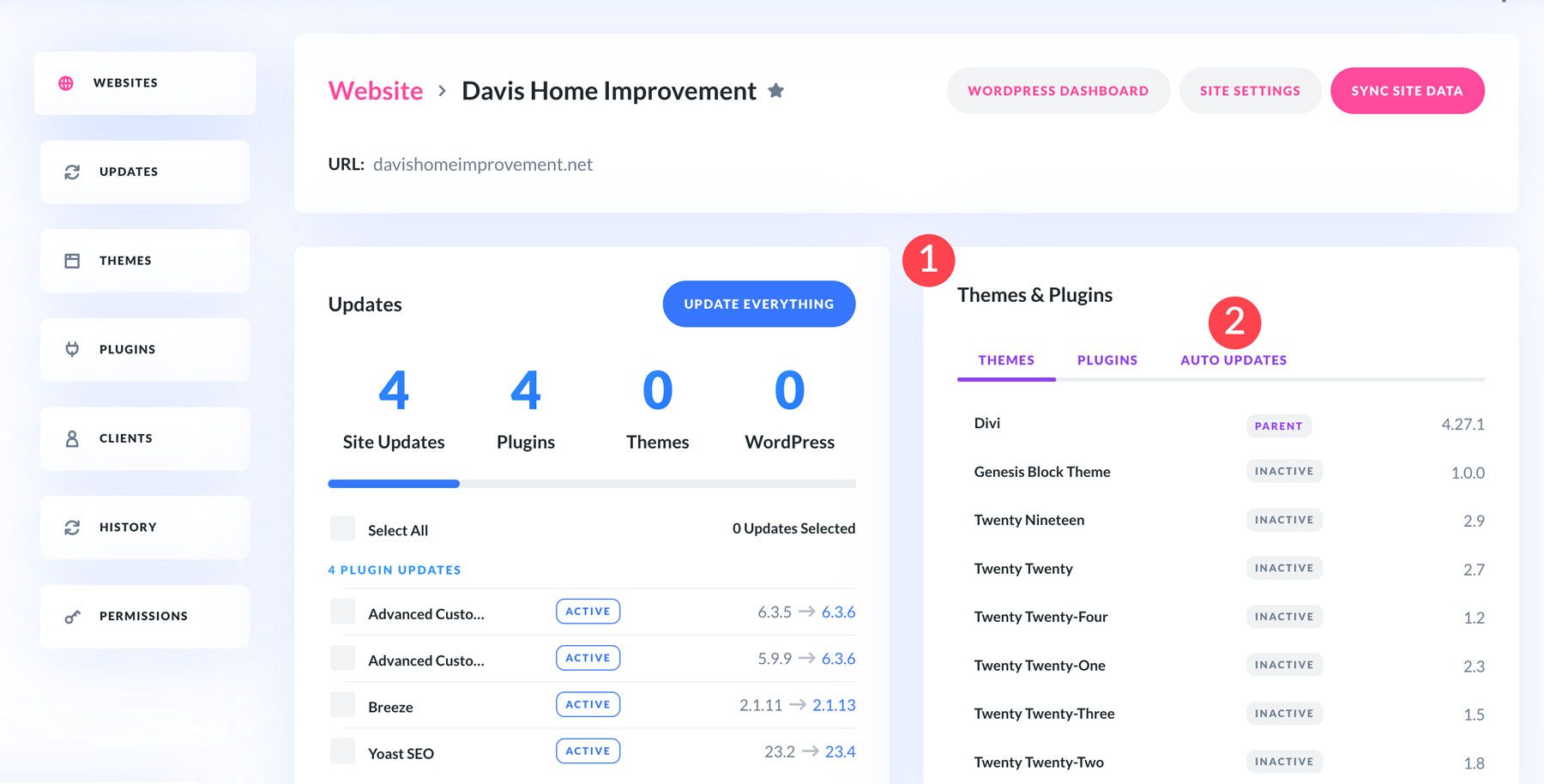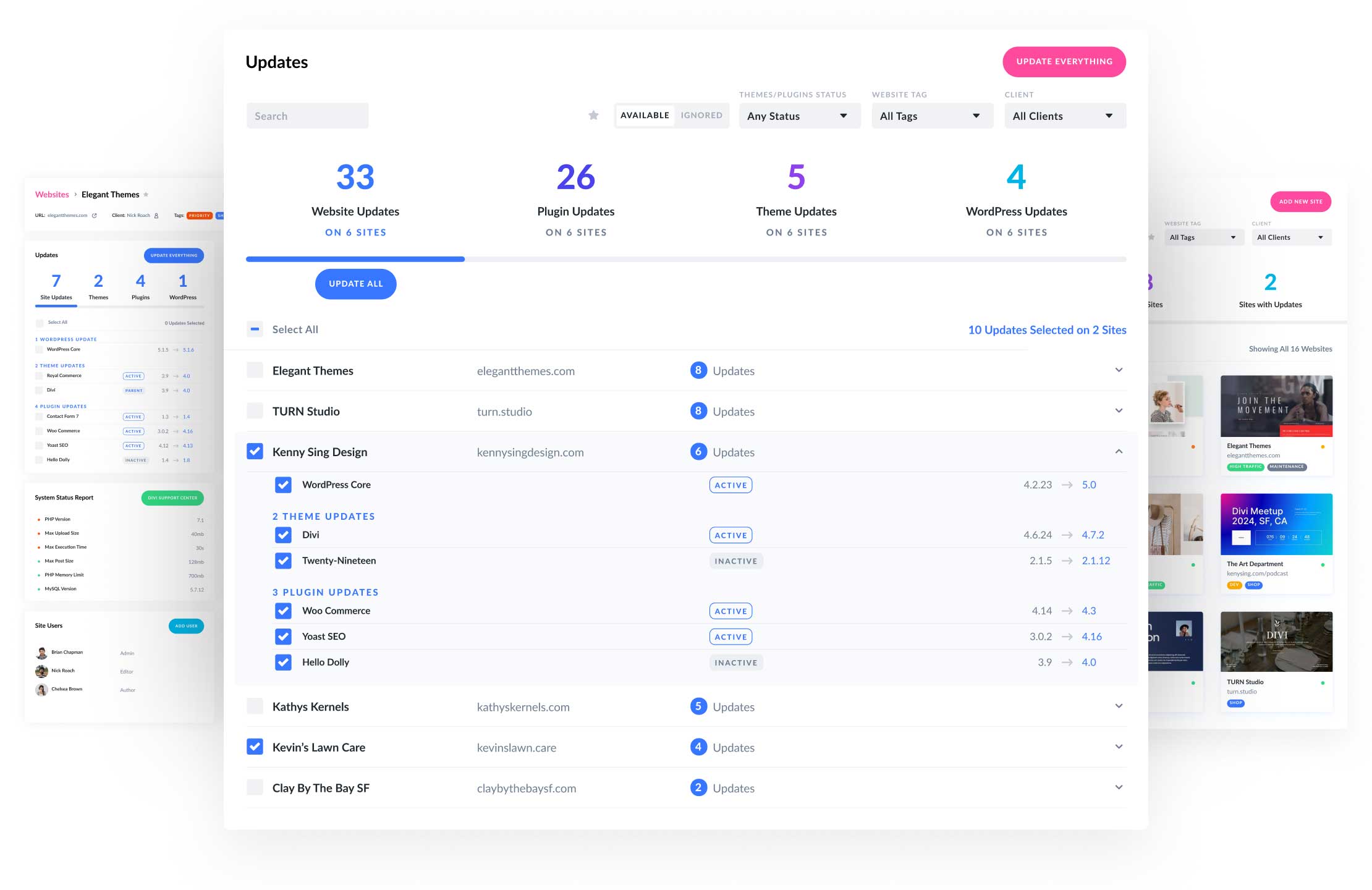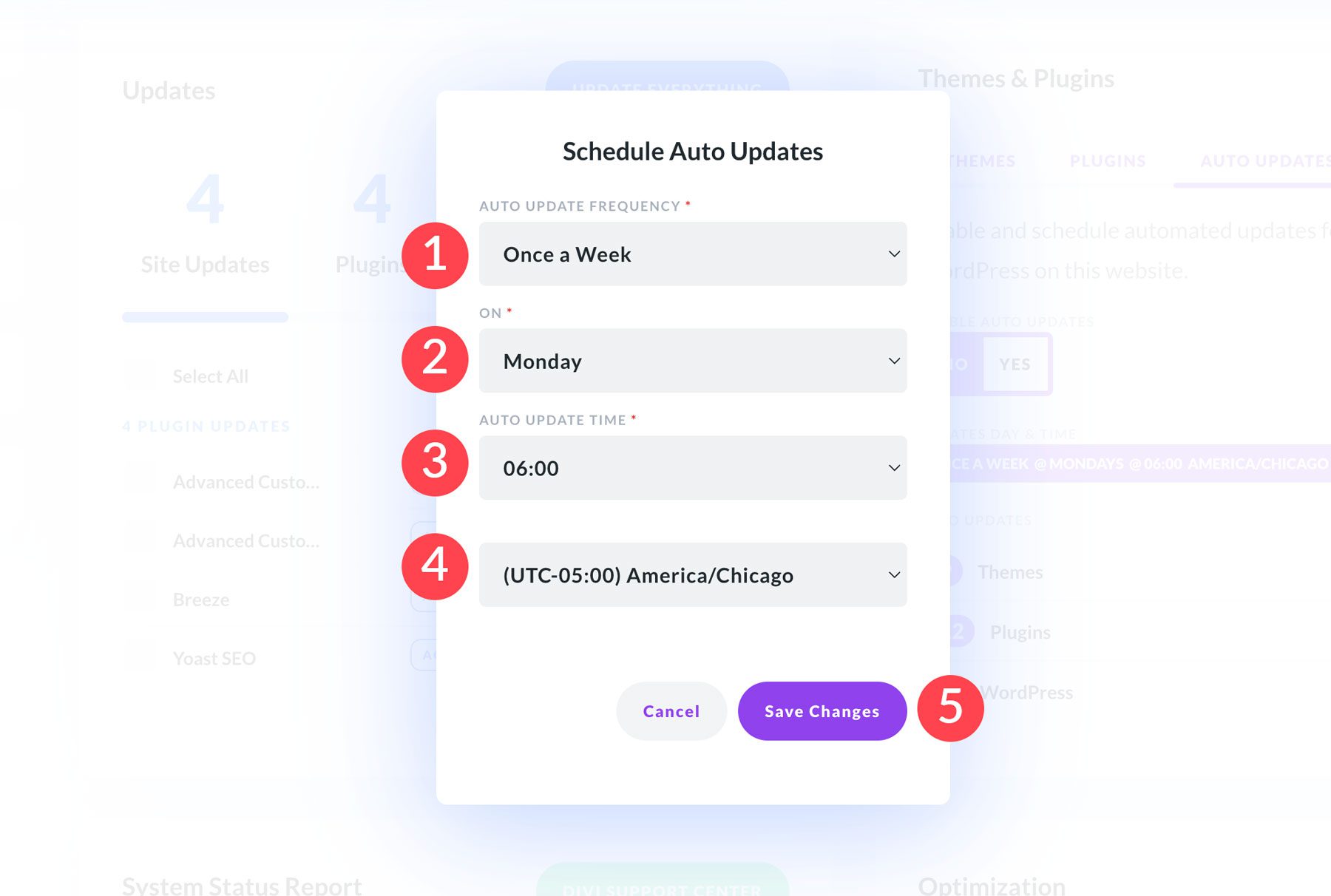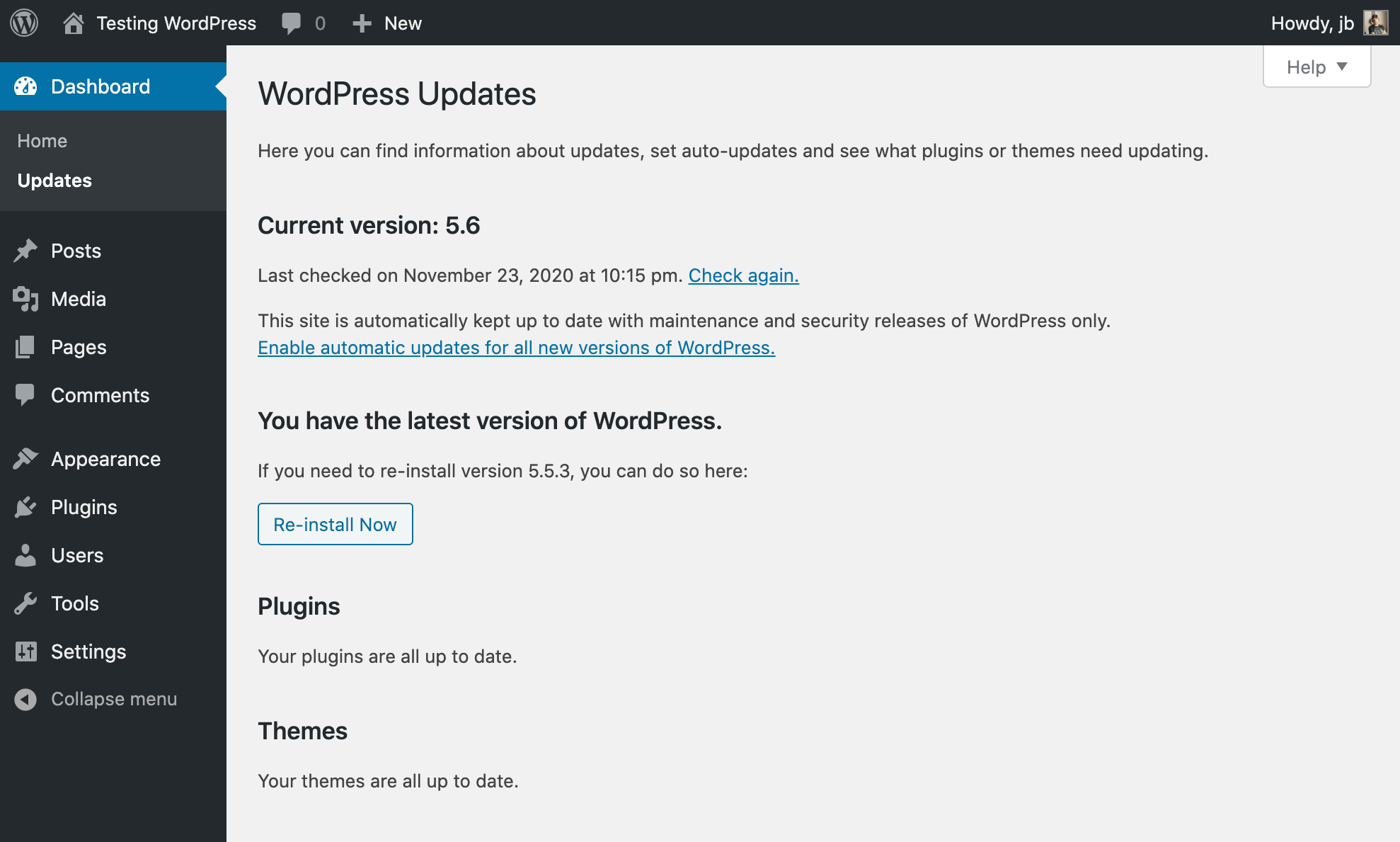
You can automate security patches and updates for WordPress Core, Themes, and Plugins by enabling WordPress automatic updates using built-in filters or dashboard options. This ensures your site stays secure and stable without manual intervention.
Key methods and details:
- WordPress Core: By default, WordPress automatically updates minor and security releases. To enable automatic updates for major releases as well, add this filter in your theme’s
functions.phpor a custom plugin:
You can also control updates by type:add_filter( 'auto_update_core', '__return_true' );add_filter( 'allow_dev_auto_core_updates', '__return_false' ); // disable dev updates add_filter( 'allow_minor_auto_core_updates', '__return_true' ); // enable minor updates add_filter( 'allow_major_auto_core_updates', '__return_true' ); // enable major updates - Plugins and Themes: By default, automatic updates for plugins and themes happen only in special cases (critical security patches). To enable automatic updates for all plugins and themes, use:
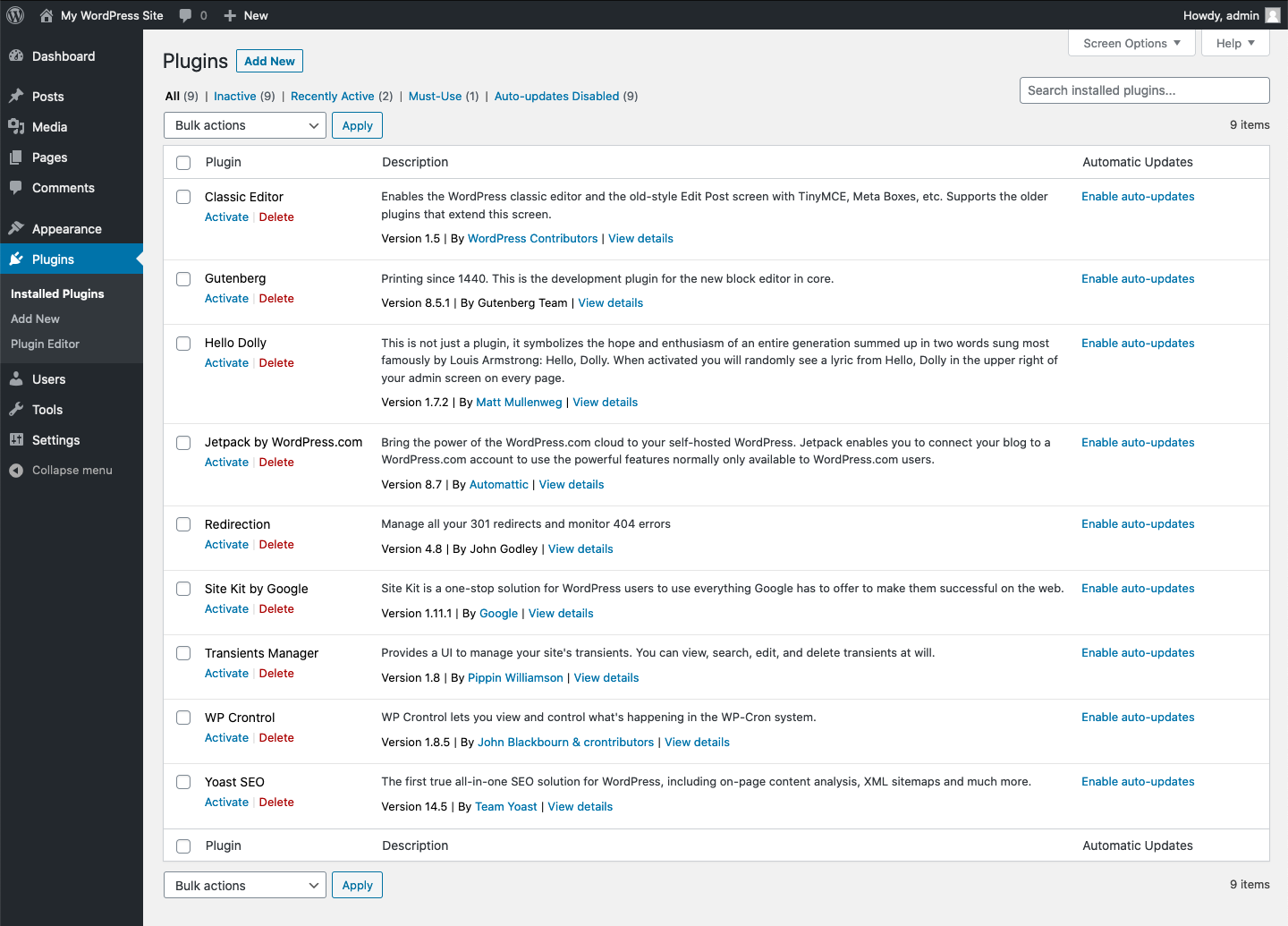
For more granular control, you can enable auto-updates for specific plugins or themes by checking their slugs in a callback function:add_filter( 'auto_update_plugin', '__return_true' ); add_filter( 'auto_update_theme', '__return_true' );function auto_update_specific_plugins( $update, $item ) { $plugins = array( 'akismet', 'buddypress' ); if ( in_array( $item->slug, $plugins ) ) { return true; } return $update; } add_filter( 'auto_update_plugin', 'auto_update_specific_plugins', 10, 2 ); - Dashboard UI: Since WordPress 5.5, you can enable automatic updates for individual plugins and themes directly from the WordPress admin dashboard:
- For plugins: Go to Plugins » Installed Plugins, click “Enable auto-updates” next to each plugin.
- For themes: Go to Appearance » Themes, click on a theme, then click “Enable auto-updates” in the theme details popup.
- Notifications: WordPress can send email notifications after updates or update attempts, helping you monitor update success or failures.
- Benefits:
- Security: Immediate patching of vulnerabilities reduces risk of hacks.
- Stability: Bug fixes and performance improvements keep your site running smoothly.
- Reduced Maintenance: Saves time managing multiple sites or many plugins/themes.
- Cautions:
- Automatic updates can occasionally cause compatibility issues or site breakage, especially with legacy or custom plugins/themes.
- Some premium themes may not support automatic updates if their update servers are private; manual updates might be required.
- It’s advisable to have backups and monitoring in place to quickly recover from any update failures.
In summary, automating WordPress core, plugin, and theme updates is straightforward using WordPress filters or the admin dashboard, significantly improving security and maintenance efficiency while requiring some caution for potential update conflicts.