Key Factors to Consider When Choosing a URL Shortener
Selecting the best URL shortener depends on your specific needs—whether for business, marketing, or personal use. Here’s a structured approach to making an informed choice:
Purpose and Use Case
- Personal Use: If you simply need to shorten links for social media or email, free tools like TinyURL or Bitly are straightforward and reliable.
- Business/Marketing: For brands, look for features like custom branded domains, advanced analytics, UTM parameter support, and integration with marketing tools. Services like Rebrandly, Bitly (paid), and Short.io offer these capabilities.
- Monetization: If you plan to earn from links, consider platforms that allow interstitial ads or redirects, such as Geniuslink or Sniply.
Essential Features to Compare
| Feature | Personal Use | Business Use |
|---|---|---|
| Ease of Use | Critical | Important |
| Custom Domains | Optional | Highly Recommended |
| Analytics | Basic | Advanced (geo, device, source) |
| Integration | Minimal | CRM, CMS, Marketing Tools |
| Link Customization | Basic | Branded, Keyword-rich |
| Security | Standard | Enhanced (link expiration, passwords) |
| Pricing | Free | Free to Premium |
Popular URL Shorteners and Their Strengths
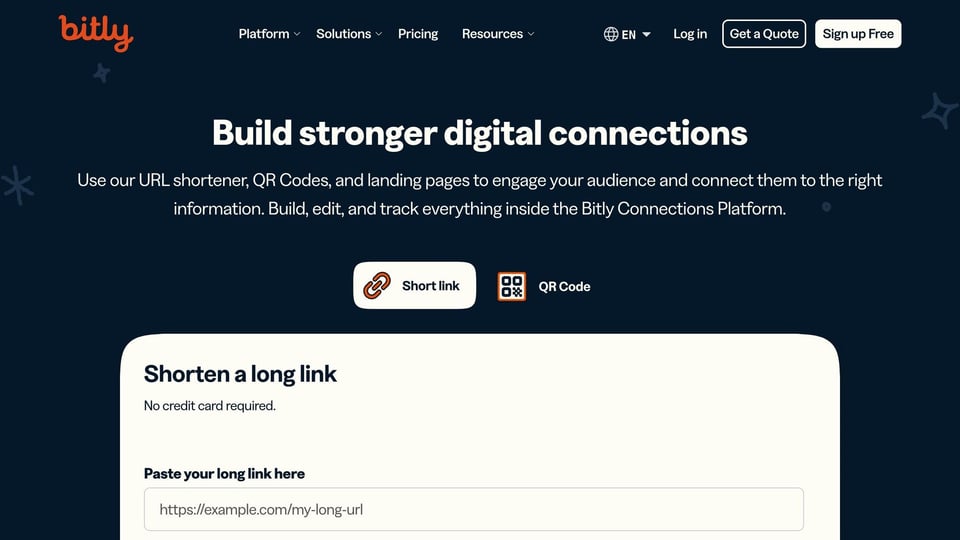
- Bitly: Widely used, robust free and paid plans, good for enterprises needing analytics and integrations.
- TinyURL: Simple, fast, and free—ideal for quick, anonymous shortening.
- Rebrandly: Focuses on branded links and customization, great for marketing teams.
- Short.io: Offers a generous free plan with advanced targeting and analytics, but requires a custom domain.
- Tiny.cc: Shrinks URLs more than most, with paid plans for deeper features.
- Self-Hosted (e.g., Polr): For full control and data privacy, consider open-source options you can host yourself.
Decision Checklist
- Identify Your Needs: Are you shortening links for social media, email campaigns, or enterprise marketing?
- Evaluate Features: Do you need analytics, custom domains, UTM support, or monetization options?
- Consider Integration: Will the tool work with your existing tech stack (CRM, CMS, analytics)?
- Assess Ease of Use: The interface should be intuitive and not add complexity to your workflow.
- Review Security: Ensure the service offers link expiration, password protection, or other security features if needed.
- Compare Pricing: Free plans are sufficient for most individuals, but businesses may benefit from premium features.
- Test Drive: Try a few options to see which fits best with your workflow before committing.
Additional Tips
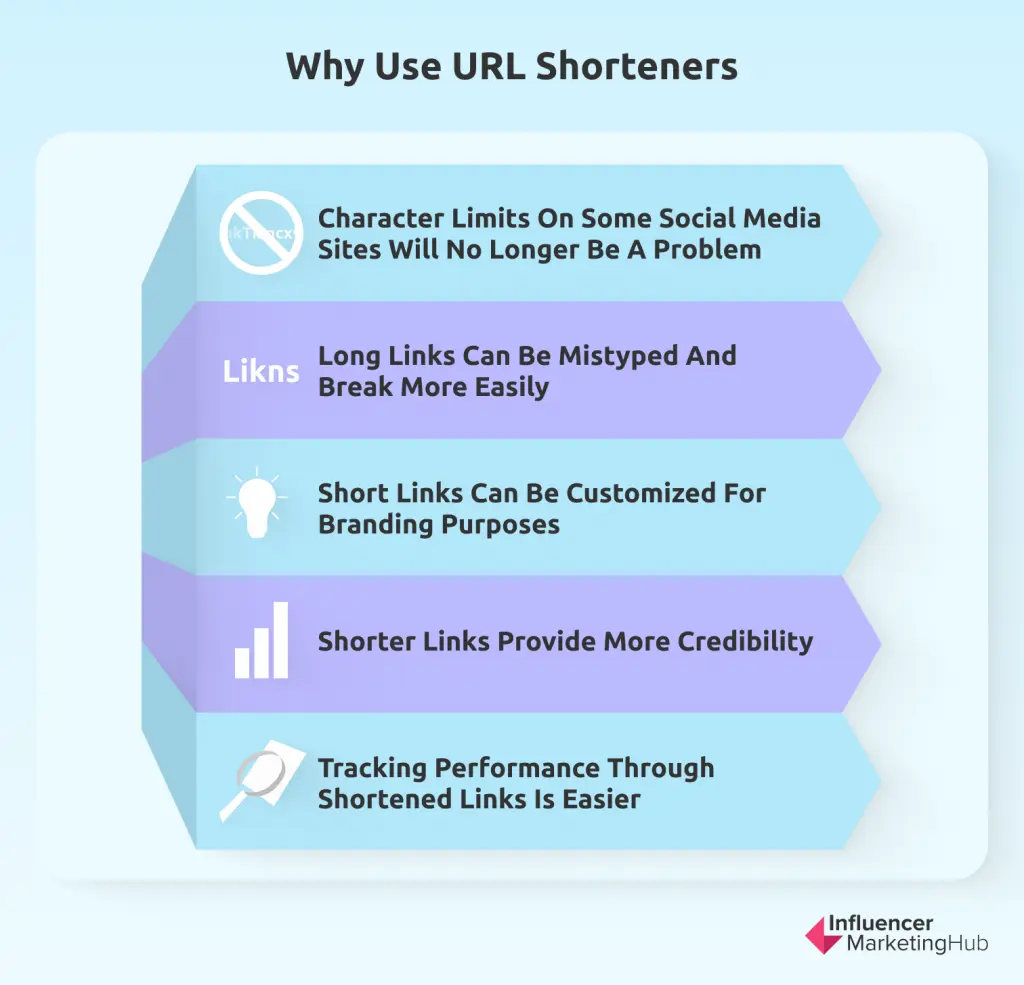
- Brand Consistency: Use meaningful keywords and naming conventions that reflect your brand in custom URLs.
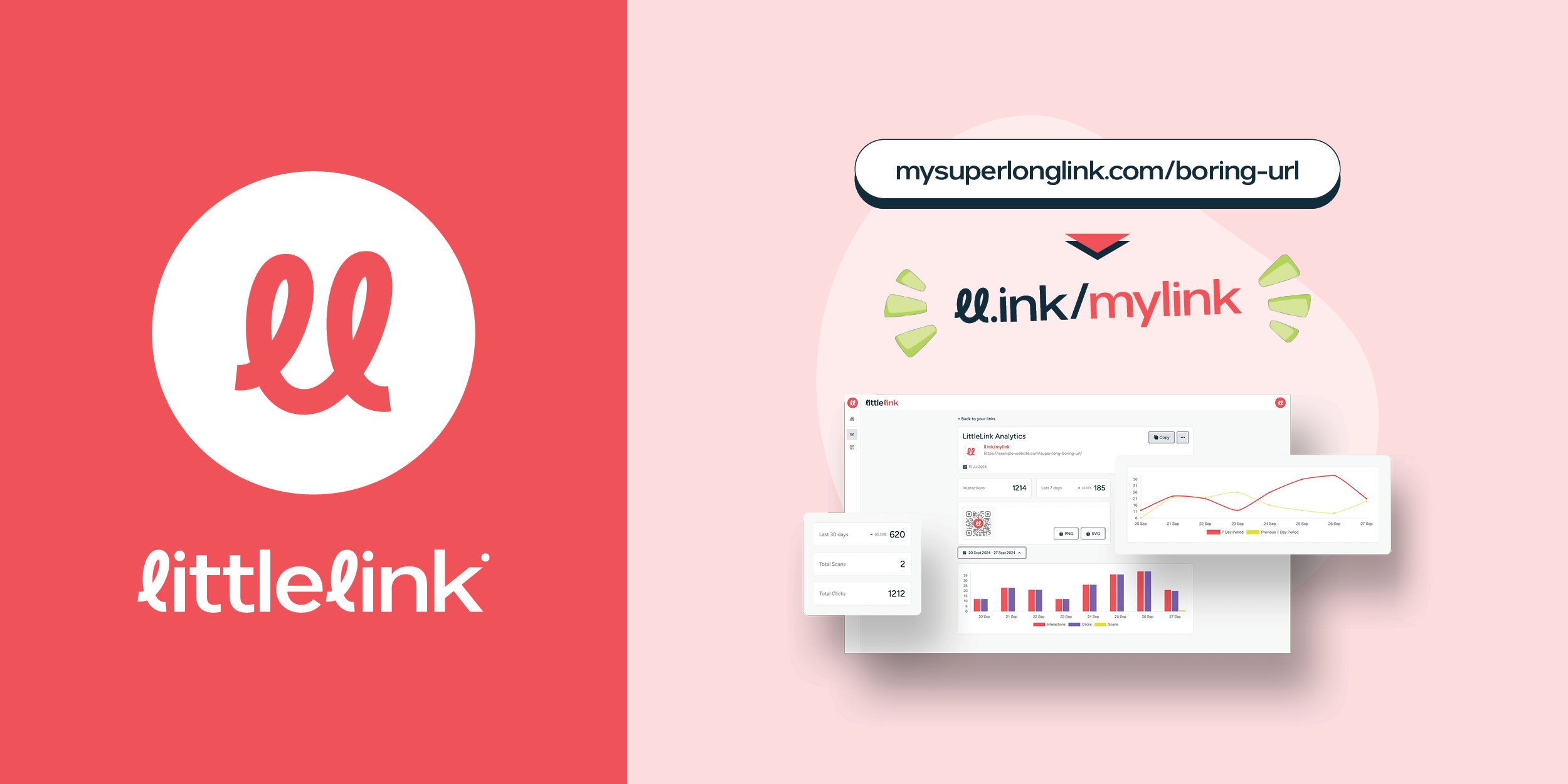
- Analytics Depth: For marketing, choose a service that provides detailed click data, including geography, device, and referral source.
- Scalability: Ensure the tool can grow with your needs, especially if link volume or team size may increase.
Summary
For personal use, simplicity and speed are key—TinyURL and Bitly are solid choices. For businesses, prioritize branded links, advanced analytics, and integrations—consider Rebrandly, Bitly (paid), or Short.io. Always match the tool’s features to your specific goals, test a few options, and choose the one that best integrates with your existing workflows.