Free vs Paid URL Shortening Services: Key Differences
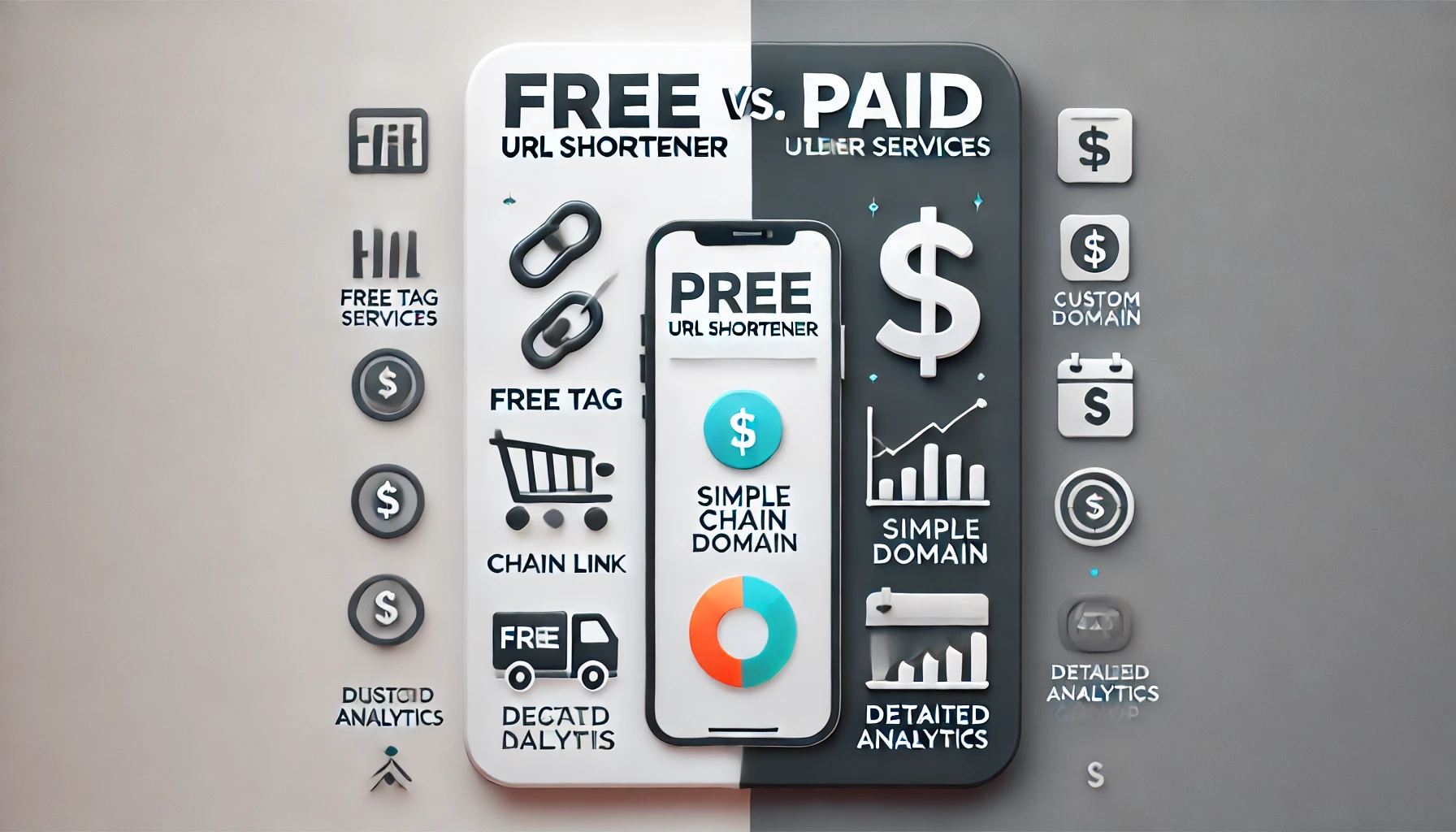
| Feature | Free Services | Paid Services |
|---|---|---|
| Cost | No charge | Monthly/annual subscription |
| Customization | Limited or none (generic domains, no branding) | Advanced (custom domains, branded links) |
| Analytics | Basic (if any) | Detailed (click tracking, geo/device data, etc.) |
| Security | Basic, potential for spam/malware links | Enhanced (link cloaking, password protection, etc.) |
| Link Limits | Often capped (e.g., number of links/clicks) | Higher or unlimited |
| Reliability | Possible downtime, link expiration | Higher uptime, persistent links |
| Support | Minimal or community-based | Priority or dedicated support |
| Integrations | Limited | Advanced (APIs, Zapier, etc.) |
When to Choose Free URL Shorteners
- Personal Use: Ideal for casual sharing, social media, or one-off links where advanced features aren’t necessary.
- Budget Constraints: Perfect for individuals or small businesses with limited resources.
- Ease of Use: Most free services require no account or technical knowledge—just paste and shorten.
- Basic Analytics: Some free tools offer simple click tracking, which may suffice for non-commercial needs.
Limitations: Free services often lack customization, provide minimal analytics, and may pose security risks (e.g., spammy links). Links might expire or the service could experience downtime.
When to Choose Paid URL Shorteners
- Business & Marketing: Essential for campaigns, branding, and professional use where link appearance and reliability matter.
- Advanced Analytics: Needed for tracking campaign performance, audience segmentation, and ROI measurement.
- Custom Branding: Paid plans allow custom domains and branded short URLs, enhancing trust and recognition.
- Security & Control: Features like link cloaking, password protection, and referrer hiding protect your links and data.
- High Volume: Paid services typically offer higher or unlimited link and click limits, suitable for large-scale operations.
- Integrations: Paid tools often integrate with marketing platforms, CRMs, and automation tools for streamlined workflows.
Popular Options
- Free: TinyURL, Bitly (free tier), Short.io (free plan with custom domains).
- Paid: Bitly Pro, Rebrandly, Short.io Pro, Tiny.cc Premium—each offers tiered features for different needs.
How to Decide
- Assess Your Needs: For personal, infrequent, or budget-sensitive use, free is sufficient.
- Evaluate Features: If you need branding, detailed analytics, security, or high reliability, consider paid options.
- Consider Scale: Free plans often have usage caps; paid plans remove these limits for growing needs.
- Future-Proofing: Paid services offer scalability and support as your requirements grow.
Summary
Choose free URL shorteners for simplicity, cost savings, and basic needs. Opt for paid services when you require customization, advanced analytics, security, branding, and reliability for professional or business use. The right choice depends on your specific goals, budget, and the importance of link performance and appearance in your context.