Common Reasons for Lots of Clicks but Few Contact Form Submissions
This usually means people are interested enough to click, but something on the landing page or form is stopping them from completing it.
Main causes
-
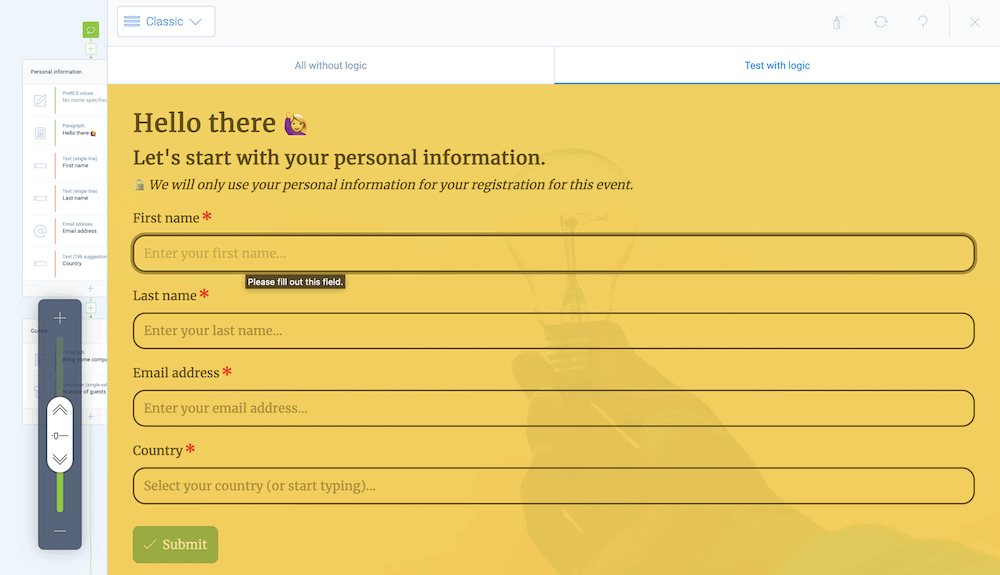
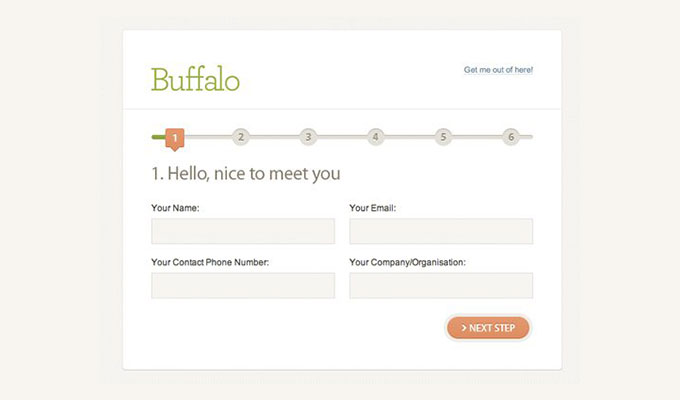
Too many form fields
Long forms create friction, especially if you ask for more information than is needed upfront. -
Unclear value proposition
If visitors don’t quickly understand why they should submit the form, they leave. -
Weak or generic headline
A headline like “Contact Us” often doesn’t explain the benefit of filling out the form. -
Form is hard to find
If the form is below the fold or buried at the bottom of the page, many visitors never reach it. -
Poor mobile experience
A form that is difficult to use on a phone can sharply reduce submissions. -
Lack of trust
People may worry about spam, sales calls, or how their data will be used. -
No privacy reassurance
A simple note like “We respect your privacy and won’t share your information” can help reduce hesitation. -
Confusing or unnecessary required fields
Fields that don’t feel relevant can cause users to abandon the form. -
Slow page load or technical issues
If the page is slow or the form behaves oddly, users may click away before submitting. -
Double-submit or validation problems
Sometimes users think the form submitted, but errors, bad validation, or duplicate-submit prevention issues interfere.
What to check first
- Count the number of fields
- Review the headline and call to action
- Test the form on mobile
- Look for abandonment points
- Add trust signals near the form
- Verify that successful submissions are actually being recorded
Best quick fix
If your form currently has more than 3–5 essential fields, try reducing it. That is often one of the biggest improvements.
If you want, I can also give you a step-by-step checklist to diagnose low form submissions.