Integrating online booking and video conferencing tools for tutors involves using scheduling software that automatically generates and shares video meeting links when students book sessions, streamlining the process from appointment to virtual class. This integration typically includes calendar syncing, automated reminders, and support for multiple time zones to avoid double bookings and no-shows.
Key features and steps include:
-
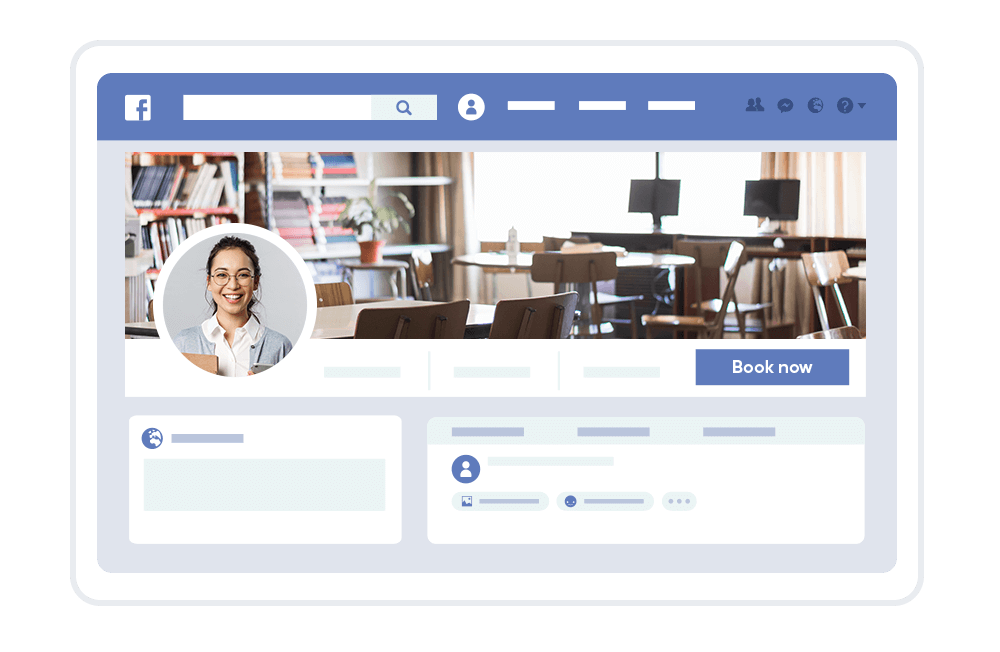
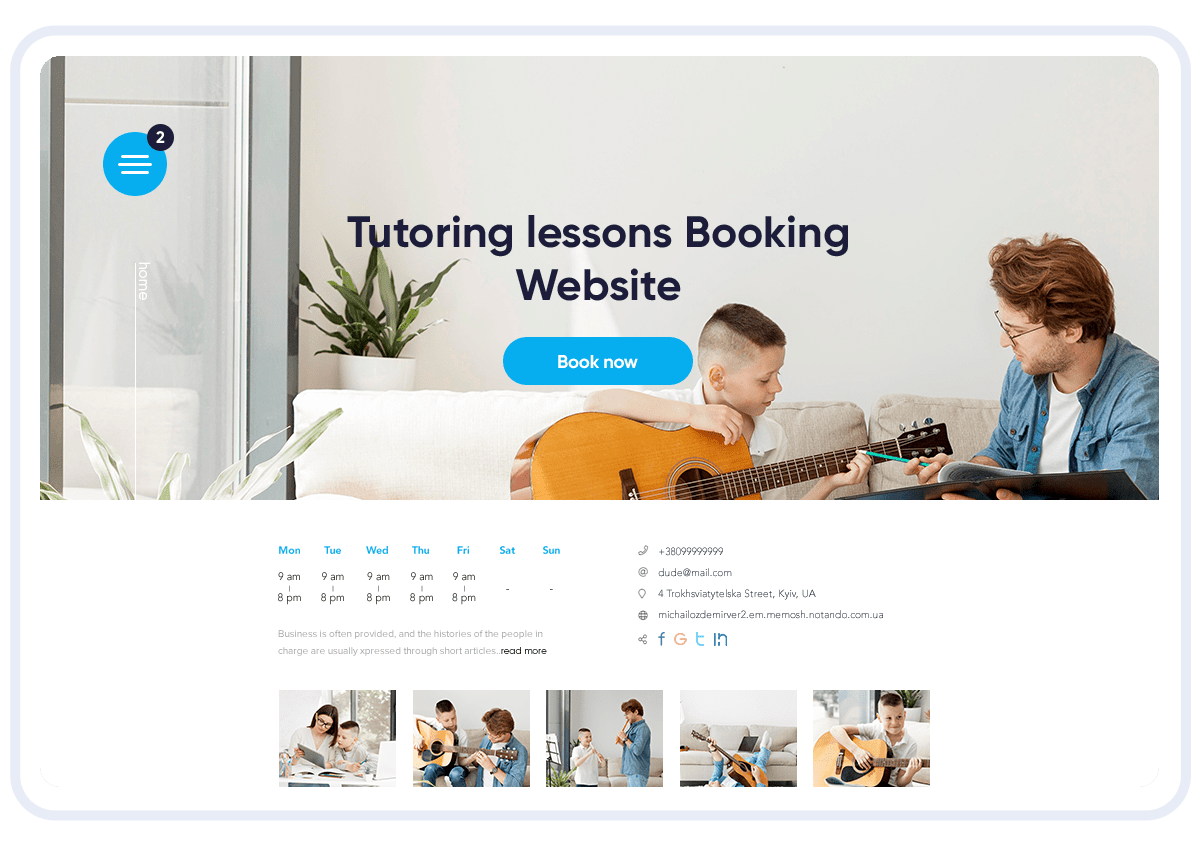
Online Booking System: Tutors set their availability; students or parents book sessions 24/7, with options to cancel or reschedule easily.
-
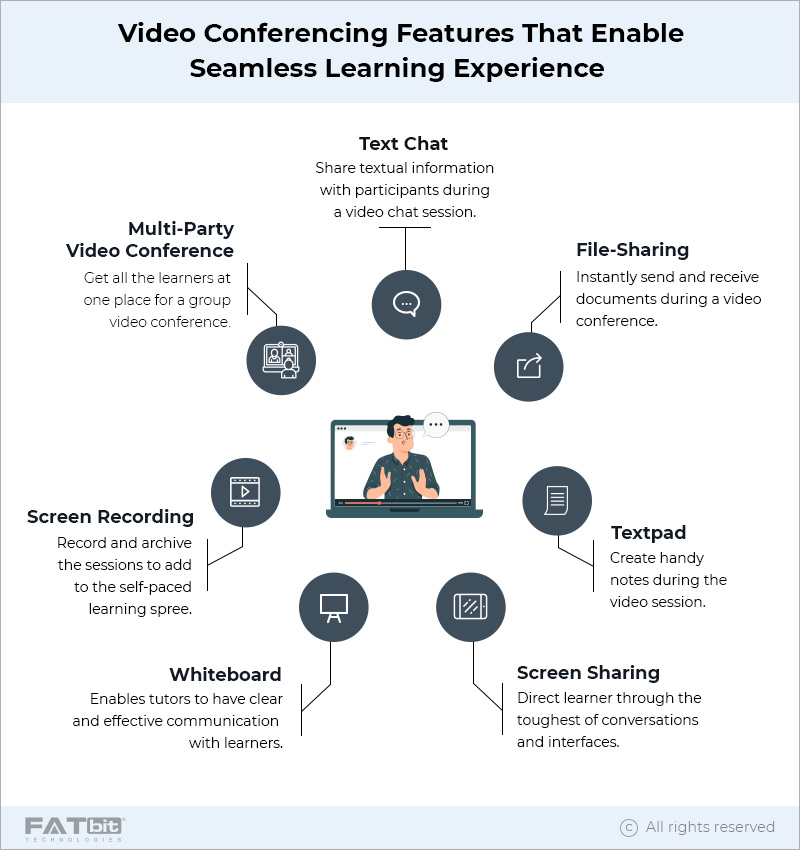
Video Conferencing Integration: Platforms like Zoom, Skype, FaceTime, Google Meet, or proprietary video tools are integrated so that when a session is booked, a unique video link is automatically created and sent in confirmation and reminder emails.
-
Calendar Syncing: Integration with calendars such as Google Calendar or Outlook ensures appointments and video calls are synchronized, preventing double bookings and scheduling conflicts.
-
Automated Notifications: Email or SMS reminders with the video link reduce no-shows and keep both tutors and students informed.
-
Multi-Time Zone Support: Scheduling tools detect and adjust for different time zones, essential for online tutoring across regions.
-
Payment Integration: Some platforms also handle payments during booking, streamlining the entire process.
Examples of platforms offering these integrations include:
-
Appointy: Integrates scheduling with video conferencing links in notifications, supports client management, and calendar syncing.
-
TutorBird: Supports Zoom, FaceTime, and Skype integration, allowing tutors to start meetings directly from the scheduling interface.
-
Tutor Platform: Offers Zoom integration with account linking, scheduling, and management features.
-
Tutor LMS: Integrates Zoom for live virtual classrooms with synced calendars and flexible meeting settings.
-
Acuity Scheduling: Connects with Zoom, Google Meet, and others to auto-generate meeting links included in confirmation emails.
-
TutorCruncher: Provides its own video platform plus integrations with whiteboard and lesson apps, generating unique video URLs for sessions.
-
Zoho Bookings: Integrates with Zoho Meeting and other video tools to auto-generate and send meeting links.
To implement, tutors typically:
-
Choose a scheduling platform that supports video conferencing integration.
-
Connect their video conferencing account (e.g., Zoom) to the scheduling software.
-
Set availability and appointment types that include virtual sessions.
-
Share booking links with students or parents.
-
Upon booking, the system auto-generates video meeting links and sends them with reminders.
This integration enhances efficiency by reducing manual steps, minimizing scheduling errors, and providing a seamless transition from booking to virtual tutoring sessions.