Google One Family Sharing: How It Works and Benefits
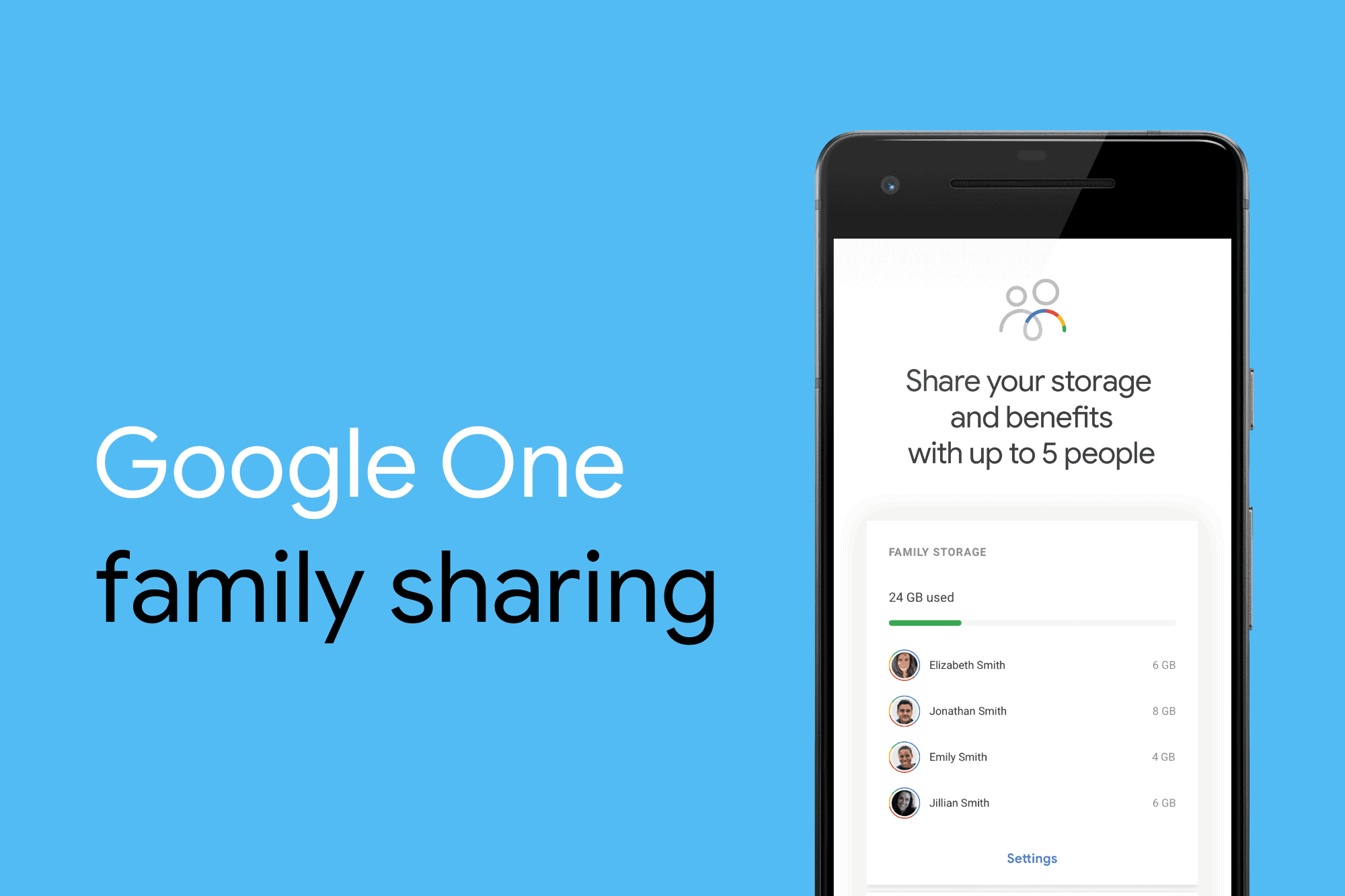
Google One family sharing allows you to share your Google One storage plan with up to five family members, providing them with access to additional cloud storage and other benefits without compromising your personal files' privacy.
How It Works
-
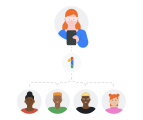
Plan Manager Role: The person who sets up the family sharing is known as the "Google One plan manager." They can invite up to five family members to join their Google One family group.
-
Shared Storage: All family members share the same storage space, but each person's files are private unless they choose to share them directly.
-
Family Group Requirements: To create a family group, you must be at least 18 years old, and all members must reside in the same country.
-
Joining and Leaving: A family member can only join one family group every 12 months. If they leave a group and want to join another, they must wait a year.
Benefits of Google One Family Sharing
-
Expanded Storage: Family members can use the shared storage space for their Google Drive, Gmail, and Google Photos needs.
-
Enhanced Features: Benefits include enhanced editing features in Google Photos, shipping benefits on Google Photos print orders (in select regions), and premium features in Google Workspace for higher-tier plans.
-
AI Pro Benefits: For those with a Google AI Pro plan, family members can enjoy advanced AI features integrated into various Google apps.
-
Google Store Credits: Some plans offer credits back on eligible Google Store purchases, though this varies by location and plan.
-
Private File Management: Despite sharing storage, each family member's files remain private unless explicitly shared.
Setting Up Family Sharing
To set up family sharing, you need to create a Google family group and invite members. You can manage these settings through the Google One app or website.
Conclusion
Google One family sharing is a convenient way to extend the benefits of your Google One subscription to family members while maintaining privacy and control over your personal files.