Overview
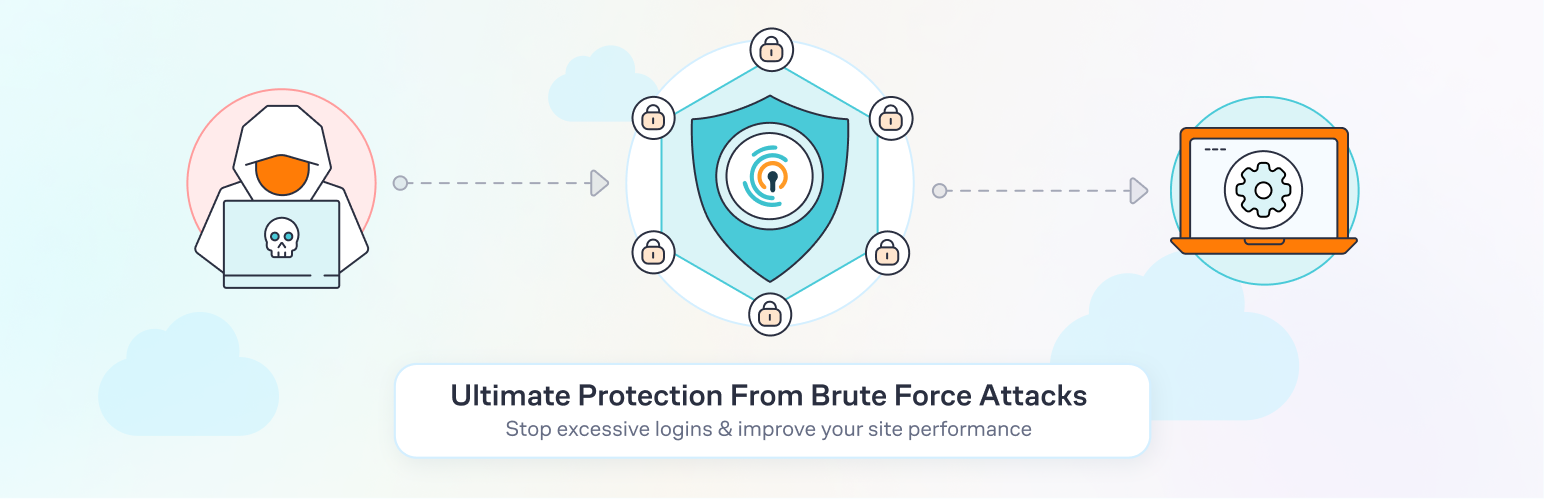
Limiting login attempts is a fundamental security measure to mitigate brute-force attacks, where attackers systematically try numerous username/password combinations to gain unauthorized access. By restricting the number of failed login attempts allowed within a specific timeframe, organizations can significantly reduce the risk of successful credential guessing.
Key Strategies
Account Lockout Policies
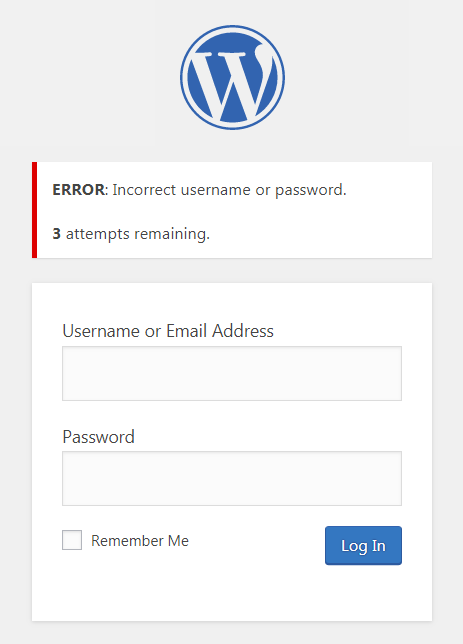
After a defined number of consecutive failed login attempts (commonly 3–10), the system temporarily locks the account, preventing further attempts for a set period. This thwarts automated scripts from making unlimited guesses. However, overly strict lockout policies can inconvenience legitimate users and may be exploited for denial-of-service attacks.
Rate Limiting
Rate limiting restricts the number of login attempts from a single IP address or user within a given time window (e.g., 5 attempts per minute). This slows down attackers, especially those using automated tools, without necessarily locking out legitimate users after a few mistakes.
Progressive Delays
Introducing increasing delays between login attempts after each failure can further slow brute-force attacks. For example, after the first failure, impose a 1-second delay; after the second, 5 seconds; and so on. This approach is less disruptive to users than immediate lockouts.
Multi-Factor Authentication (MFA)
MFA adds an extra layer of security by requiring additional verification (e.g., SMS code, authenticator app, biometrics) beyond the password. Even if a password is guessed, access is still blocked without the second factor.
CAPTCHA Challenges
Requiring users to solve a CAPTCHA after several failed attempts can help distinguish human users from automated scripts, further hindering brute-force attacks.
Monitoring and Alerting
Continuous monitoring of login patterns enables rapid detection of suspicious activity, such as spikes in failed attempts from specific IPs or for particular accounts. Automated alerts can trigger additional protective measures.
Implementation Considerations
| Strategy | Pros | Cons |
|---|---|---|
| Account Lockout | Simple, effective against automation | Can lock out legitimate users |
| Rate Limiting | Slows attackers, less user impact | May not stop distributed attacks |
| Progressive Delays | User-friendly, slows attacks | Less effective against parallel attempts |
| MFA | Strong additional protection | Adds complexity for users |
| CAPTCHA | Blocks bots, low user impact | Can be bypassed by advanced bots |
Technical Implementation
Most modern authentication systems and frameworks (e.g., Auth0, Microsoft Entra ID) provide built-in settings to configure brute-force protection thresholds, lockout durations, and notifications. For custom applications, developers should ensure that authentication logic enforces these limits and does not allow unlimited retries.
Advanced Techniques
- Smart Lockout: Systems like Microsoft Entra ID use smart lockout, which distinguishes between legitimate user mistakes and malicious attacks by analyzing patterns, reducing false positives.
- IP Blocking: Blocking IP addresses with excessive failed attempts can be effective but may inadvertently affect legitimate users sharing the same IP (e.g., behind a corporate proxy).
- Dynamic Mitigation: Some solutions analyze traffic in real-time, dynamically adjusting protection based on attack patterns.
Best Practices
- Set reasonable thresholds: Balance security with usability—lockout after 5–10 failed attempts is common.
- Provide secure account recovery: Ensure locked-out users can regain access without compromising security.
- Educate users: Encourage strong, unique passwords and the use of password managers.
- Layer defenses: Combine rate limiting, lockouts, MFA, and monitoring for robust protection.
Conclusion
Limiting login attempts through account lockout, rate limiting, and progressive delays is a proven method to mitigate brute-force attacks. However, these measures should be part of a layered security strategy that includes MFA, monitoring, and user education to effectively protect against evolving threats.