How Google Drive Storage is Shared Across Gmail, Google Photos, and Drive
Google Drive storage is part of a shared storage system that includes Gmail and Google Photos. Here's how it works:
Shared Storage Overview
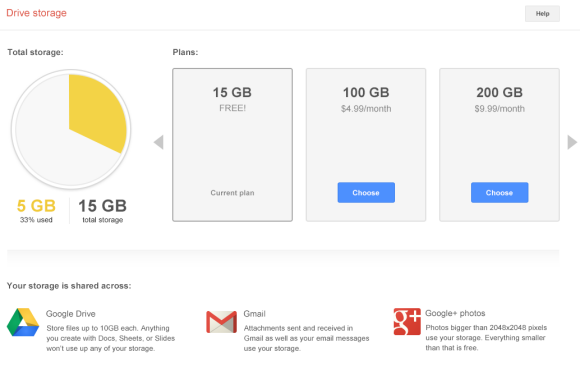
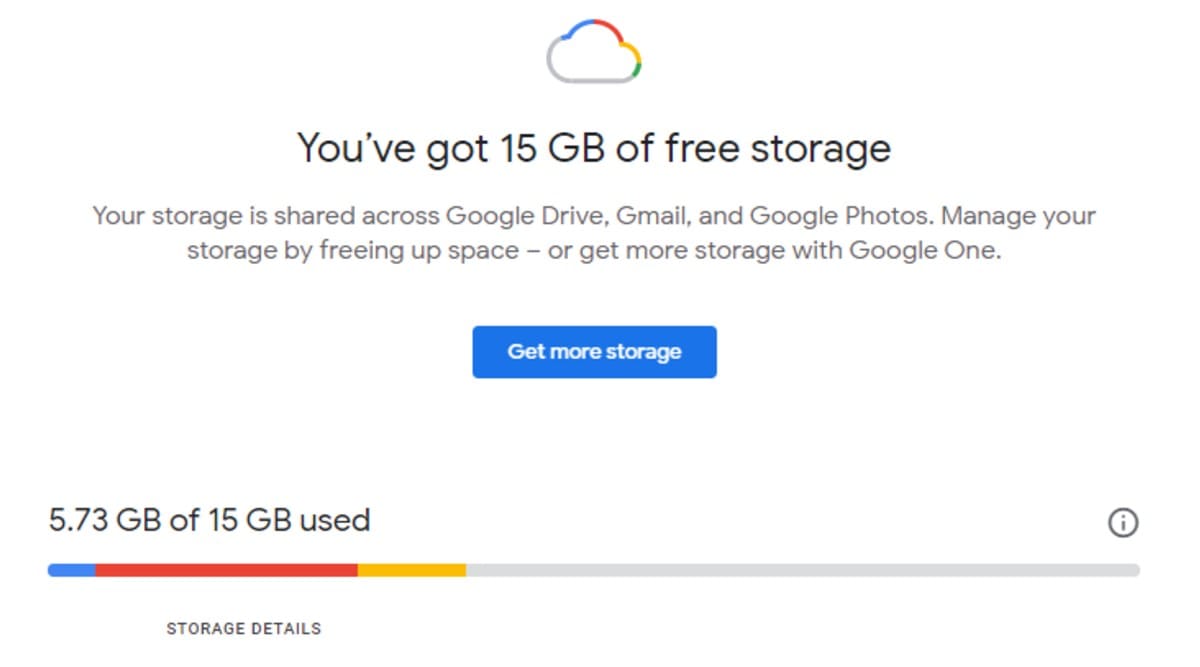
- Shared Quota: Each Google Account comes with 15 GB of free storage, which is shared across Google Drive, Gmail, and Google Photos.
- Usage Across Services: The storage is used for emails in Gmail, files in Google Drive, and photos in Google Photos.
Managing Storage
- Checking Storage: Users can check how much storage they have used by logging into their Google Account and viewing the storage details.
- Clearing Space: To free up space, users can delete unnecessary files from Google Drive, Gmail, or Google Photos.
Upgrading Storage
- Google One: Users can purchase additional storage through a Google One membership, which offers plans ranging from 100 GB to 2 TB.
- Sharing with Family: With a Google One membership, users can share their storage with up to five family members by creating a family group.
Key Points
- Shared Storage Limitations: When the storage limit is reached, users cannot upload files to Google Drive, send or receive emails in Gmail, or back up photos to Google Photos.
- Storage Policies: If storage is exceeded for two years, Google may delete content across these services.
Conclusion
Google Drive storage is integrated with Gmail and Google Photos, using a shared quota that can be managed and expanded through Google One memberships. This setup allows users to efficiently manage their cloud storage across multiple Google services.