Setting Up and Verifying Your Website in Bing Webmaster Tools
Setting up and verifying your website in Bing Webmaster Tools is a straightforward process that helps you manage your site's presence in Bing search results. Here's a step-by-step guide to get you started:
1. Create a Bing Webmaster Tools Account
- Navigate to Bing Webmaster Tools: Go to the Bing Webmaster Tools website.
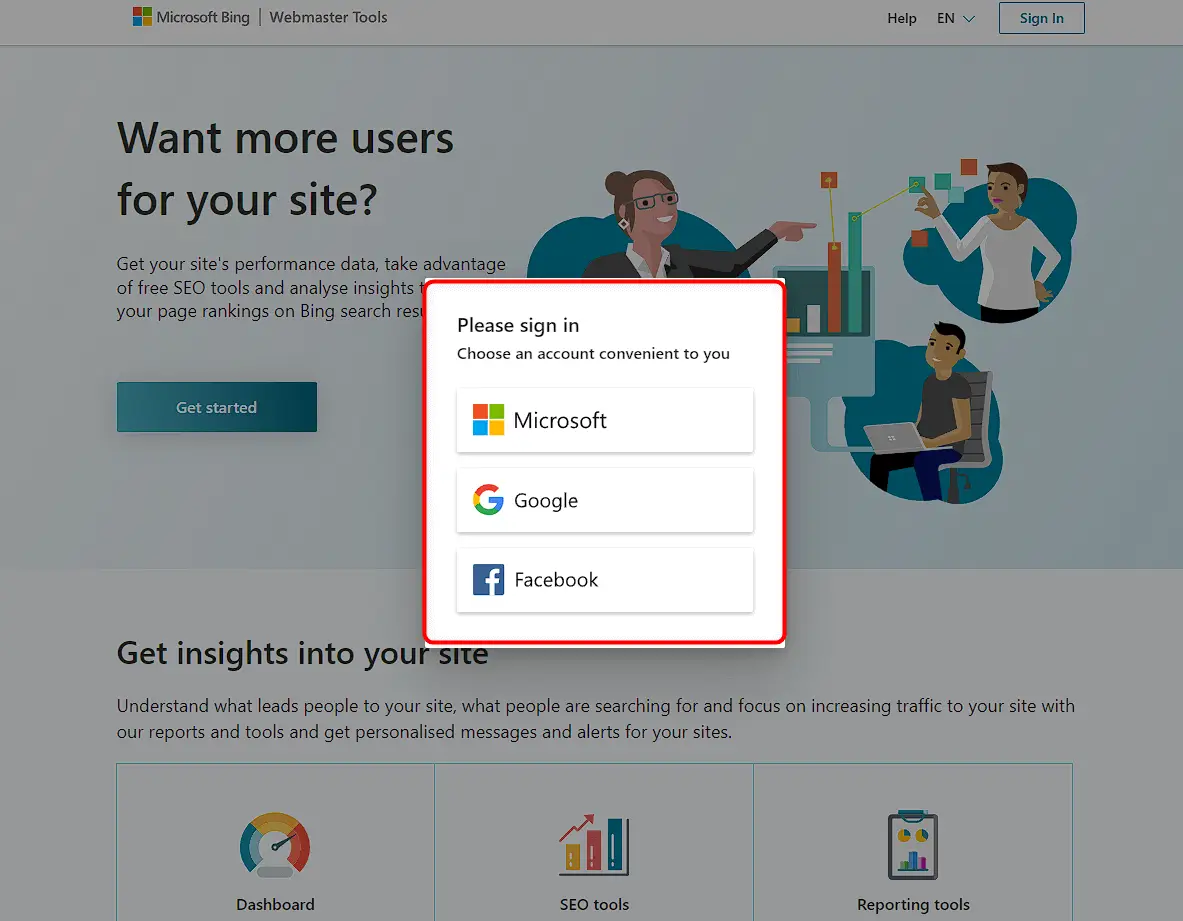
- Sign Up: Click on the "Get started" button and choose to sign up using a Microsoft, Google, or Facebook account. This will automatically pull your details from the chosen account.
2. Add Your Website
- Log In: Once you have an account, log in to Bing Webmaster Tools.
- Add a Site: Click on "Add a site" and enter your website's URL. You can also import sites from Google Search Console if they are already verified there.
3. Verify Your Website
Bing offers three methods to verify your website:
- XML File: Upload an XML file to your server.
- HTML Meta Tag: Add a meta tag to your website's
<head>section. - CNAME Record: Add a CNAME record to your DNS settings.
Using the HTML Meta Tag Method:
- Copy the Meta Tag: After adding your site, Bing will provide an HTML meta tag.
- Add the Meta Tag: Insert this tag into the
<head>section of your website's homepage. The steps may vary depending on your Content Management System (CMS). - Verify: Return to Bing Webmaster Tools and click "Verify" to complete the process.
4. Submit Your Sitemap
- Find Your Sitemap: Locate your website's XML sitemap.
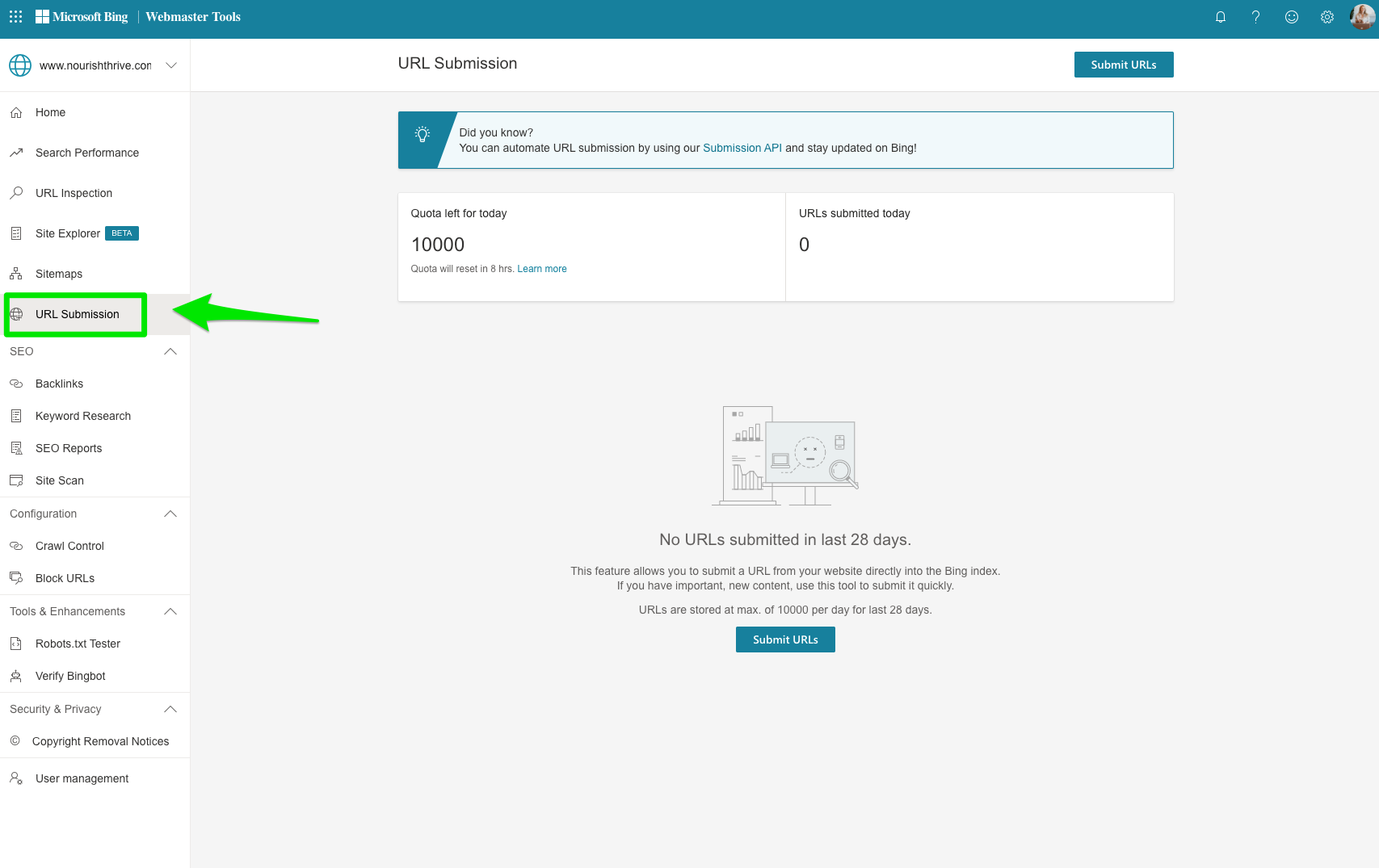
- Submit to Bing: In the "Sitemaps" section of Bing Webmaster Tools, enter the URL of your sitemap and save it. This helps Bing crawl your site more efficiently.
5. Review and Monitor
- Data Generation: It may take up to 48 hours for Bing to generate data and analytics after verification.
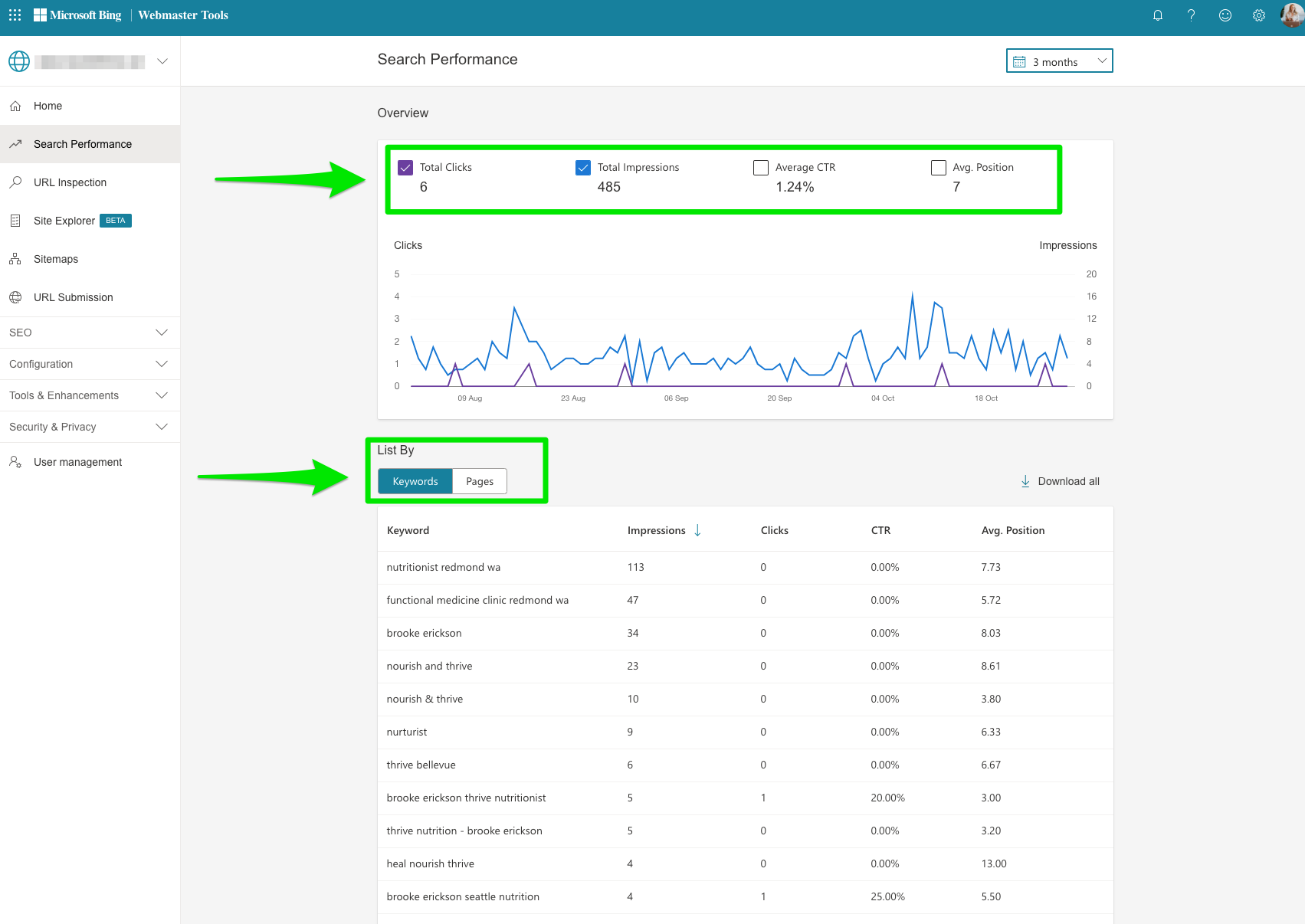
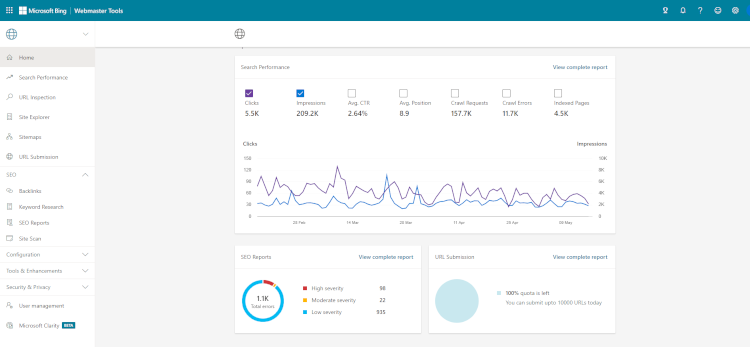
- Monitor Performance: Use Bing Webmaster Tools to analyze your site's performance, backlinks, and search traffic.
By following these steps, you can effectively set up and verify your website in Bing Webmaster Tools, enhancing your site's visibility in Bing search results.