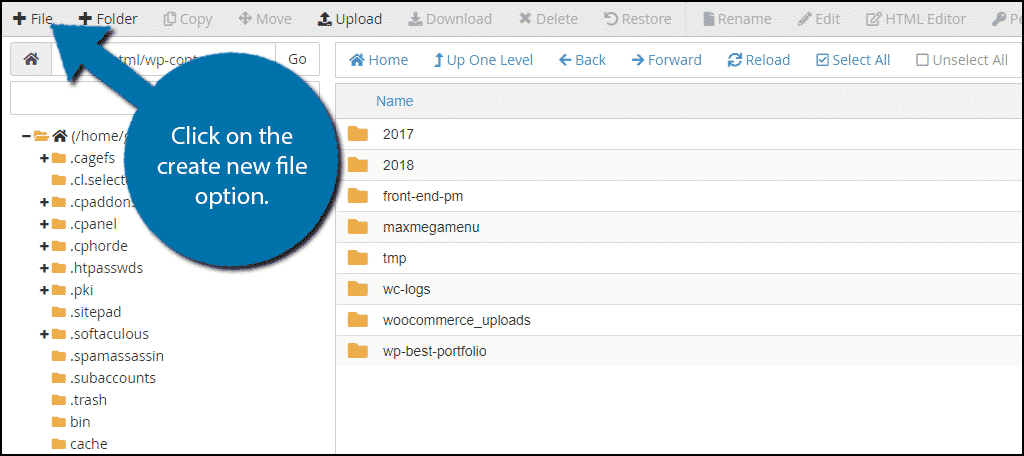
To disable PHP file execution in unnecessary directories for added security, the most common and effective method is to create an .htaccess file in those directories (such as /wp-content/uploads/ and /wp-includes/ in WordPress) with directives that block PHP execution. For example, adding the following code to an .htaccess file inside these directories will prevent PHP files from running:
<Files *.php>
  Require all denied
</Files>
or alternatively:
<Files *.php>
  deny from all
</Files>
This configuration tells the web server (Apache) to deny execution of any PHP files in that directory, effectively blocking any uploaded malicious PHP scripts from running.
For even stronger protection, some recommend disabling the PHP engine entirely in these directories by adding:
php_flag engine off
to the .htaccess file, which stops PHP processing altogether in that folder.
Additional context:
- This technique is especially important in directories where users can upload files (like
/wp-content/uploads/), which are common targets for attackers to place backdoor PHP scripts. - Disabling PHP execution reduces the risk of remote code execution vulnerabilities by preventing unauthorized PHP scripts from running.
- Alongside disabling PHP execution, disabling directory browsing (which prevents users from seeing the contents of directories) further enhances security by hiding file structures from attackers.
- For servers running Nginx or other web servers, similar rules can be applied in their respective configuration files, but
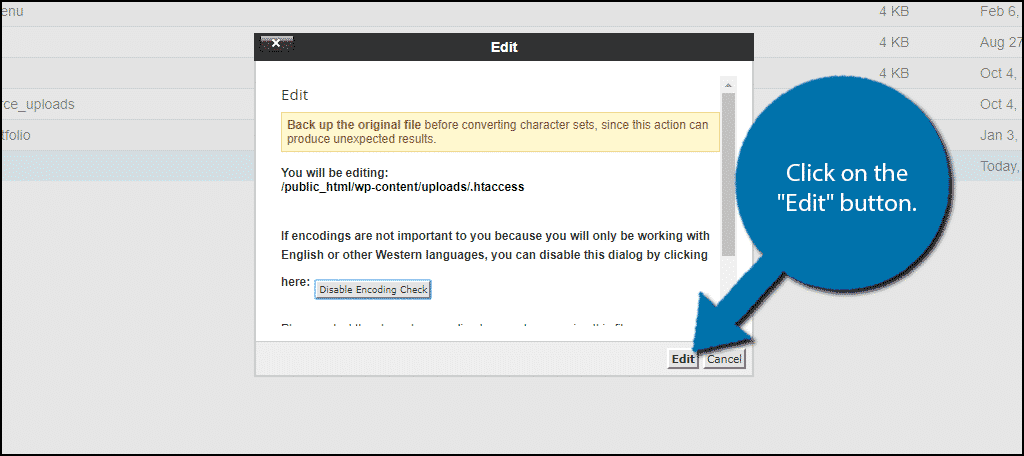
.htaccessis specific to Apache. - Always back up your site before making these changes to avoid accidental disruptions.
Summary of steps for WordPress:
- Create a blank
.htaccessfile. - Add the PHP blocking code (
<Files *.php> Require all denied </Files>). - Upload this
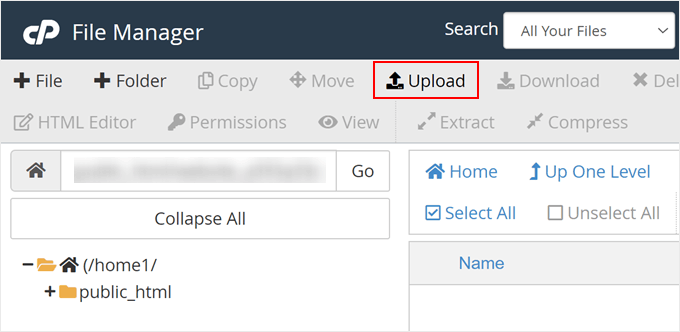
.htaccessfile to/wp-content/uploads/and/wp-includes/. - Optionally, add
php_flag engine offfor stronger enforcement. - Disable directory browsing by adding
Options -Indexesin.htaccessor via security plugins/settings.
This approach is widely recommended and effective for hardening PHP security in unnecessary directories.