Overview of HTTP Security Headers
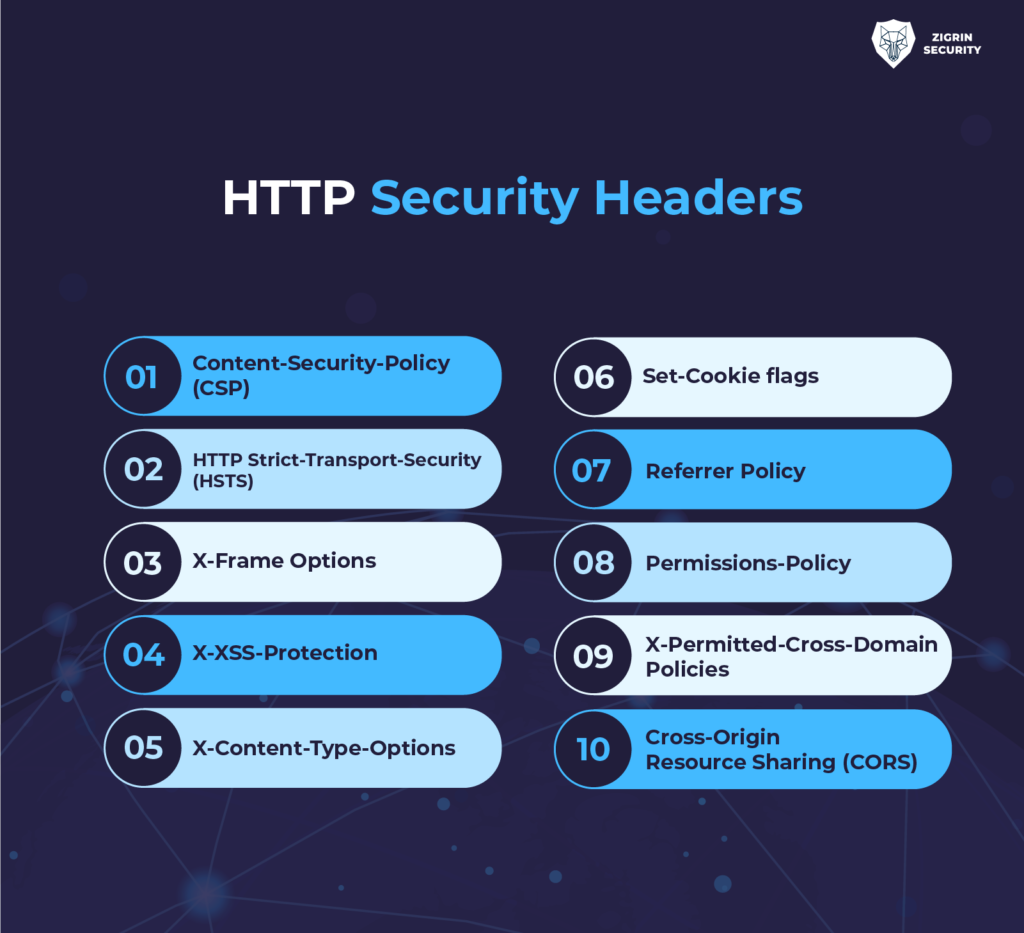
HTTP security headers are directives sent by web servers in HTTP responses to instruct browsers on how to handle content and enforce security policies. Properly configured, these headers can significantly reduce the risk of common web attacks such as cross-site scripting (XSS), clickjacking, man-in-the-middle (MITM) attacks, and more.
Key HTTP Security Headers and Their Implementation
| Header Name | Purpose | Example Implementation (PHP) | Best Practice |
|---|---|---|---|
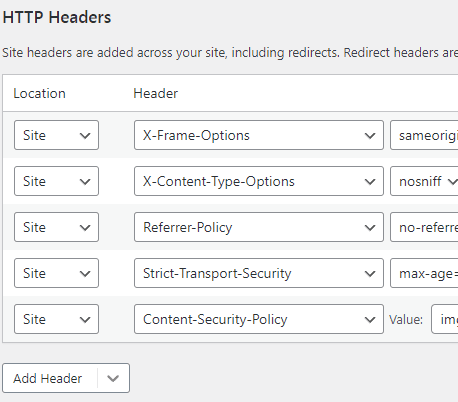
| Content-Security-Policy (CSP) | Restricts sources from which content can be loaded, mitigating XSS and data injection | header("Content-Security-Policy: default-src 'self'; script-src 'self' https://example.com;"); |
Define strict rules for allowed sources; test thoroughly to avoid breaking site functionality. |
| Strict-Transport-Security (HSTS) | Enforces HTTPS, preventing protocol downgrade and MITM attacks | header("Strict-Transport-Security: max-age=31536000; includeSubDomains"); |
Use max-age, includeSubDomains, and consider preload for maximum security. |
| X-Frame-Options | Prevents clickjacking by controlling iframe embedding | header("X-Frame-Options: DENY"); |
Set to DENY or SAMEORIGIN depending on your needs. |
| X-Content-Type-Options | Prevents MIME-sniffing, reducing risk of content-type-based attacks | header("X-Content-Type-Options: nosniff"); |
Always set to nosniff for static content. |
| X-XSS-Protection | Enables browser XSS filter (deprecated in modern browsers, use CSP) | header("X-XSS-Protection: 1; mode=block"); |
Prefer CSP for XSS protection; this header is legacy. |
| Referrer-Policy | Controls how much referrer information is sent with requests | header("Referrer-Policy: no-referrer"); |
Choose policy based on privacy and security needs. |
| Permissions-Policy | Restricts browser features (e.g., camera, microphone) | header("Permissions-Policy: microphone=(), camera=()"); |
Disable unnecessary features to reduce attack surface. |
Server-Specific Configuration
- Apache: Use
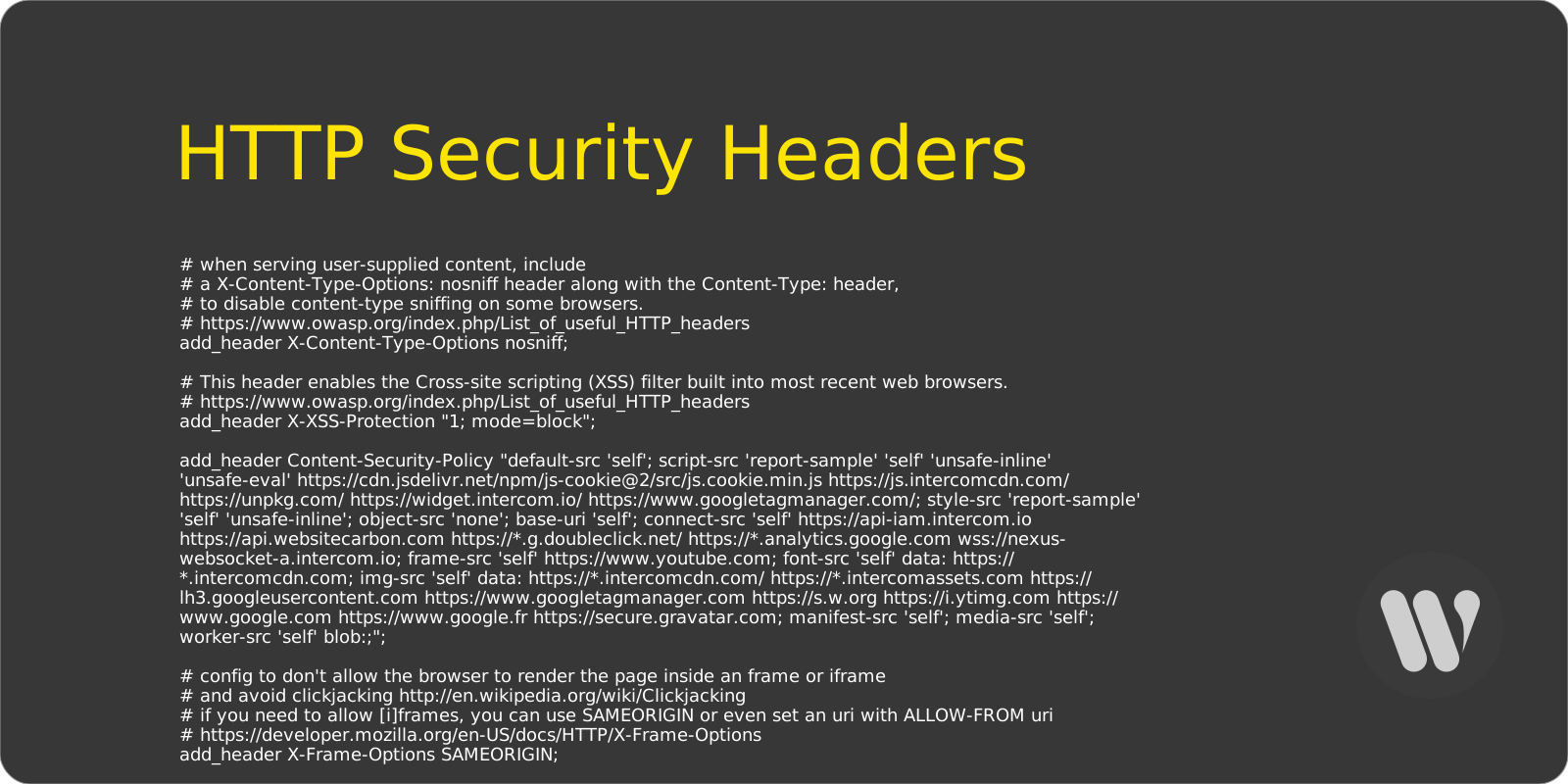
Header always set X-Frame-Options "SAMEORIGIN"in your.htaccessor virtual host config. - Nginx: Add
add_header X-Frame-Options SAMEORIGIN always;to your site config. - IIS: Add custom headers in the
<httpProtocol><customHeaders>section ofweb.config. - Cloud Providers: Configure via platform-specific files (e.g.,
firebase.jsonfor Firebase).
Preventing Host Header Attacks
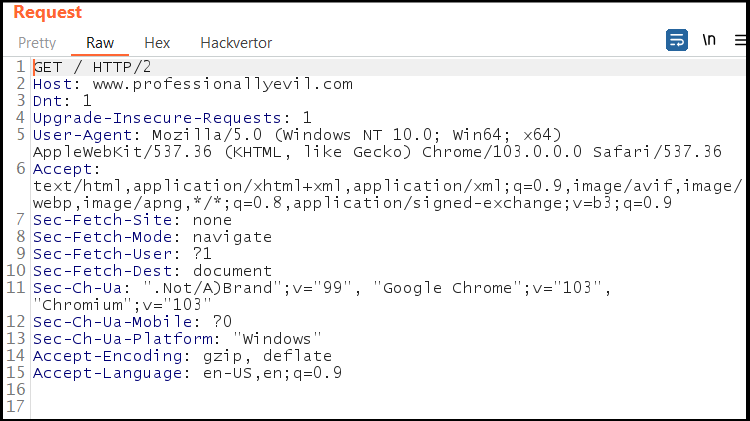
- Avoid using the Host header in server-side code where possible; use relative URLs instead.
- Validate the Host header against a whitelist if you must use it, rejecting unrecognized hosts.
- Do not support Host override headers like
X-Forwarded-Hostunless absolutely necessary. - Whitelist permitted domains at the load balancer or reverse proxy level.
General Best Practices
- Test headers thoroughly: Incorrect configurations can break site functionality.
- Keep headers up to date: Review and adjust policies as your application evolves.
- Combine headers: Use multiple headers in concert for layered defense.
- Monitor for missing headers: Regularly audit your site to ensure all recommended headers are present.
Summary
Implementing HTTP security headers is a straightforward yet powerful way to harden your web application against common attacks. By carefully configuring headers such as CSP, HSTS, X-Frame-Options, and others—and by following server-specific best practices—you can significantly reduce your exposure to XSS, clickjacking, MITM, and other web-based threats. Always test changes in a staging environment to avoid unintended side effects.