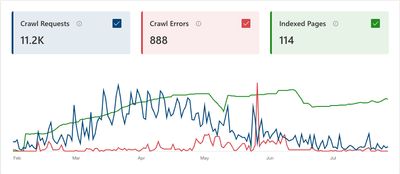
To monitor and act on crawl errors and indexing issues using Bing Webmaster Tools (BWT), you should use several key features designed to identify, diagnose, and fix problems affecting how Bing crawls and indexes your site:
-
Crawl Errors Monitoring
- Access the Crawl Information or Crawl Errors report to see errors Bing encountered when crawling your site, such as server errors, blocked URLs by robots.txt, or malware-infected pages. This helps you identify pages Bing cannot crawl properly.
- If you receive alerts about crawl control settings limiting Bingbot, adjust the Crawl Control settings to allow more efficient crawling.
-
URL Inspection Tool
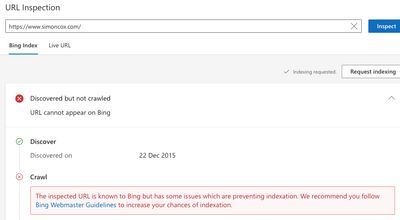
- Use the URL Inspection tool to check the crawl and index status of individual URLs. It shows if the page is indexed, last crawl date, crawl allowed status, fetch success, canonical URL, and any crawl or indexing issues detected.
- You can also request Bing to re-index a page after fixing issues by submitting an indexing request through this tool.
-
Site Explorer and Index Explorer
- The Site Explorer lets you view your entire site’s indexed pages, organized by directory, and filter URLs with technical issues to prioritize fixes.
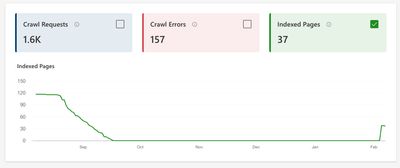
- The Index Explorer shows how many URLs Bing has discovered and indexed, helping you spot gaps between crawled and indexed pages.
-
Recommendations and SEO Reports
- Bing Webmaster Tools provides Recommendations (formerly Insights) and SEO Reports that automatically scan your site and suggest fixes for crawlability and indexing problems.
- These reports highlight issues like broken links, duplicate tags, missing metadata, and other SEO best practices to improve site health.
-
Crawl Control Settings
- Within the Website Configuration section, use Crawl Control to schedule when Bingbot crawls your site and manage crawl rate to avoid server overload or to speed up crawling when needed.
- You can also block specific URLs or add NOINDEX meta tags to prevent unwanted pages from being crawled or indexed.
-
Site Scan Tool and Robots.txt Tester
- Run the Site Scan tool to perform technical SEO audits that detect common crawl and indexing issues like broken links or duplicate content.
- Use the Robots.txt Tester to verify that Bingbot can access important pages and that your robots.txt file is not unintentionally blocking crawling.
-
IndexNow Integration and URL Submission
- Use IndexNow to instantly notify Bing of new, updated, or deleted content, speeding up indexing without waiting for traditional crawling.
-
Ongoing Monitoring
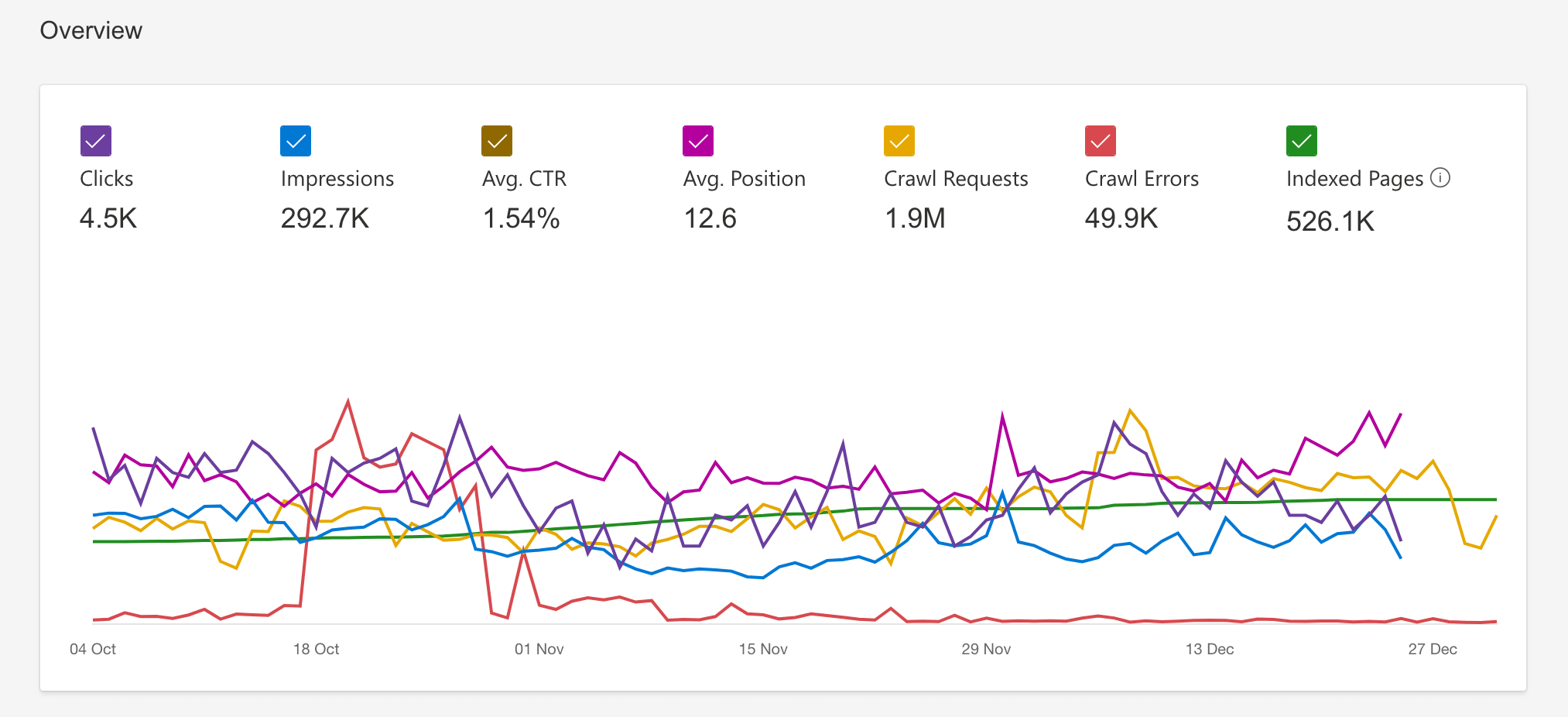
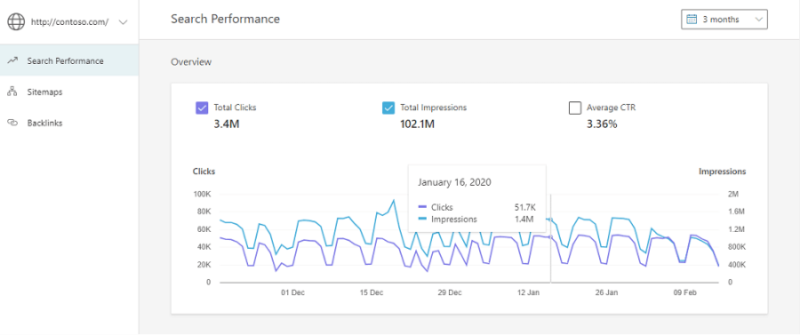
- Regularly check crawl errors, indexing status, and search performance metrics (clicks, impressions, CTR) in Bing Webmaster Tools to track improvements and spot new issues early.
- Use the Copilot AI assistant (if available) to help troubleshoot and navigate Bing Webmaster Tools more efficiently.
By systematically using these features, you can identify crawl errors, diagnose indexing problems, implement fixes, and monitor the impact to ensure Bing effectively crawls and indexes your website content.
Summary Table of Key Bing Webmaster Tools Features for Crawl and Indexing Issues
| Feature | Purpose | Actions Available |
|---|---|---|
| Crawl Errors Report | View crawl errors and blocked URLs | Identify and fix crawl issues |
| URL Inspection Tool | Check individual URL crawl/index status | Inspect, request re-indexing, view crawl issues |
| Site Explorer | View indexed pages and filter by issues | Discover technical problems, export data |
| Index Explorer | See discovered vs. indexed URLs | Analyze indexing gaps |
| Recommendations/SEO Reports | Automated site health and SEO suggestions | Implement prioritized fixes |
| Crawl Control | Manage crawl timing and rate | Adjust crawl speed, block URLs, add NOINDEX tags |
| Site Scan Tool | Run technical SEO audits | Detect broken links, duplicate tags, missing metadata |
| Robots.txt Tester | Validate robots.txt file | Ensure Bingbot access to key pages |
| IndexNow URL Submission | Instant content update notifications | Speed up indexing |
| Copilot AI Assistant | AI help for troubleshooting and insights | Guided issue resolution |
These tools collectively enable effective monitoring and proactive management of crawl errors and indexing issues in Bing Webmaster Tools.